Security Tools for Windows

Know Every Threat
On Your Network & PC

Security tools from PC Armour. Audit your systems, discover every device on your network and expose hidden vulnerabilities with free, portable scanners — then lock managed PCs down with PCArmour Guard, also free, and keep them that way.

50+
Security Checks
8,900+
CVE Signatures
100%
Free Tools
<60s
Scan Time

Five Tools. Total Control.

From a quick PC health check to deep network CVE analysis and locking a PC down for good — every tool you need to understand, secure and control your environment.

PC Armour
System Auditor

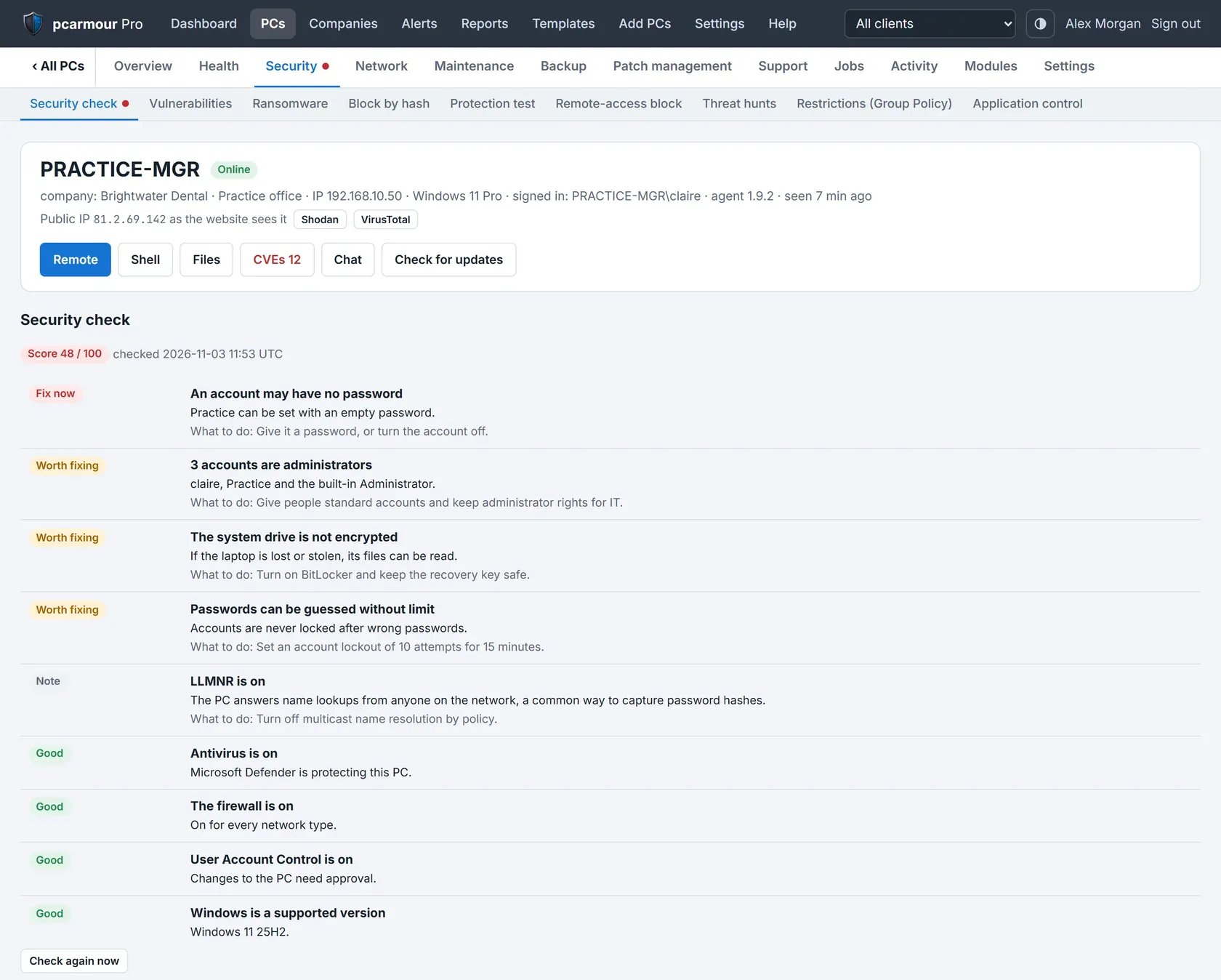
Run a thorough security and health audit on any Windows machine in under 60 seconds. No account, no installation — just extract and run as Administrator. The Auditor analyses over 50 indicators and produces a scored Health Index report you can act on immediately.

  • Antivirus status, real-time protection & definition age
  • Windows Firewall state across all network profiles
  • BitLocker drive encryption & recovery key detection
  • TPM 2.0, Secure Boot & Memory Integrity (HVCI)
  • Running process verification & unsigned binary detection
  • Startup items, persistence registry keys & scheduled tasks
  • Local user accounts, LAPS & admin privilege audit
  • PowerShell execution policy & screen lock enforcement
  • USB storage access, RDP status & browser extensions
  • Windows 11 CPU compatibility & OS version scoring
  • Validates real-world antivirus protection by probing live malware and phishing URLs — confirming your defences actually block threats
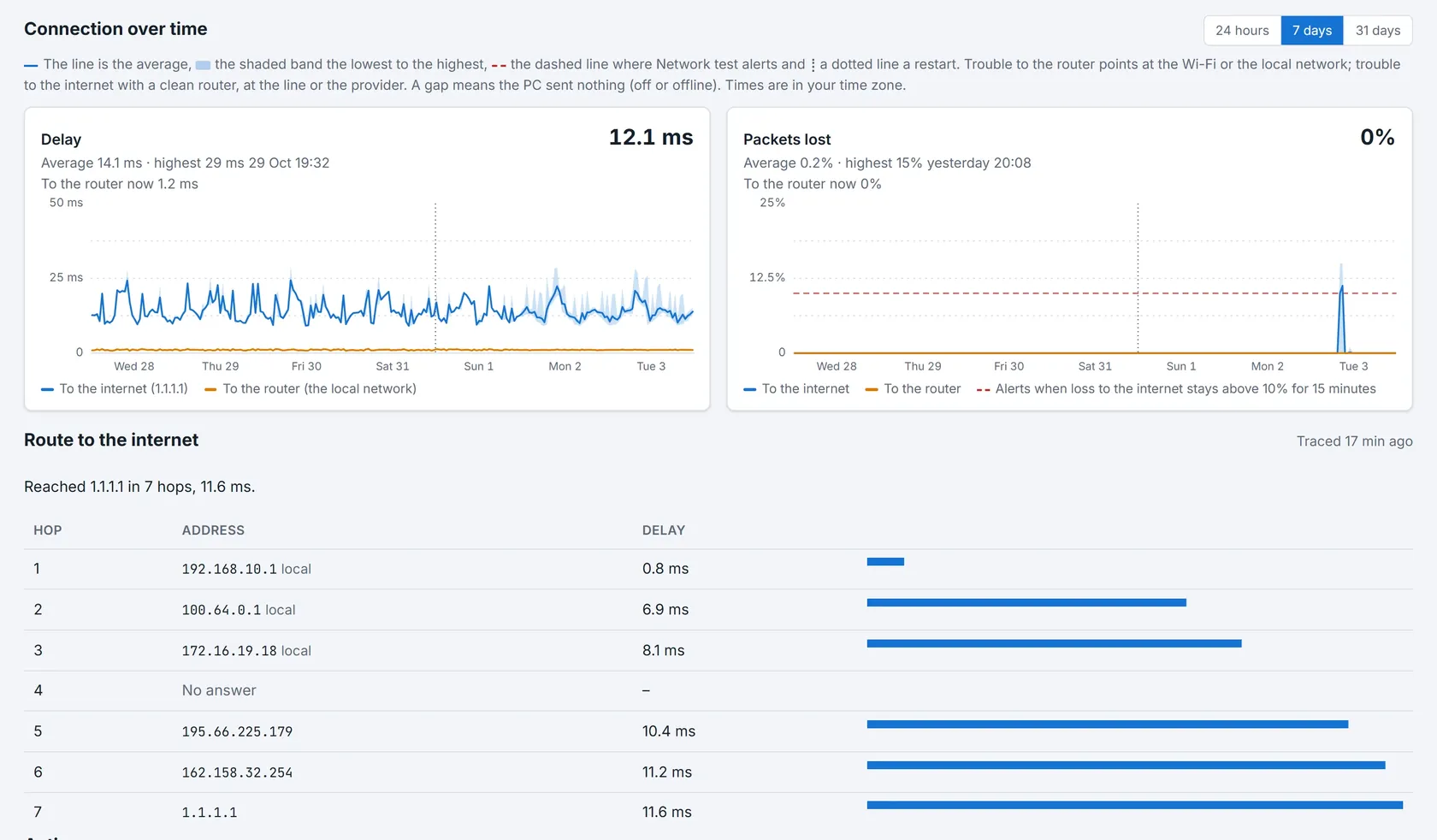
  • Network protection level testing — verifies DNS filtering, firewall efficacy, and whether unsafe sites are blocked before they reach you
Download System Auditor

  Standalone .zip · Extract and Run As Administrator

PC Armour System Auditor — DESKTOP-EXAMPLE
78 /100 Health
Windows 11 24H2 · DESKTOP-EXAMPLE
Windows Defender
ACTIVE
Firewall
ENABLED
BitLocker Encryption
DISABLED
Secure Boot
ENABLED
TPM 2.0
PRESENT
Memory Integrity (HVCI)
DISABLED
PowerShell Policy
UNRESTRICTED
Screen Lock Policy
NOT SET
Remote Desktop
DISABLED
Unsigned Processes
NONE FOUND

Illustrative sample — results vary per machine

50+
Checks Run
8
Categories
<60s
Runtime
NetworkArmour — Scan Report
14
Devices Found
2
Compromised
3
Medium Risk
☠ Compromised Devices
192.168.14.105
Canon Printer · JetDirect :9100
CVE-2022-24671
192.168.14.1
Router · Default Admin Creds
EXPOSED
All Live Hosts
192.168.14.22
FTP·Telnet·SMB open — OFFICE-PC
HIGH
192.168.14.31
QNap NAS — BACKUP-NAS
INFO
192.168.14.48
Yealink T55W — VoIP :5060
PROTECTED
192.168.14.60
IP Camera — No Auth Page
REVIEW

Scan results auto-expire after 48 hrs · WAN IP checked against VirusTotal & AbuseIPDB

PC Armour
Network Auditor

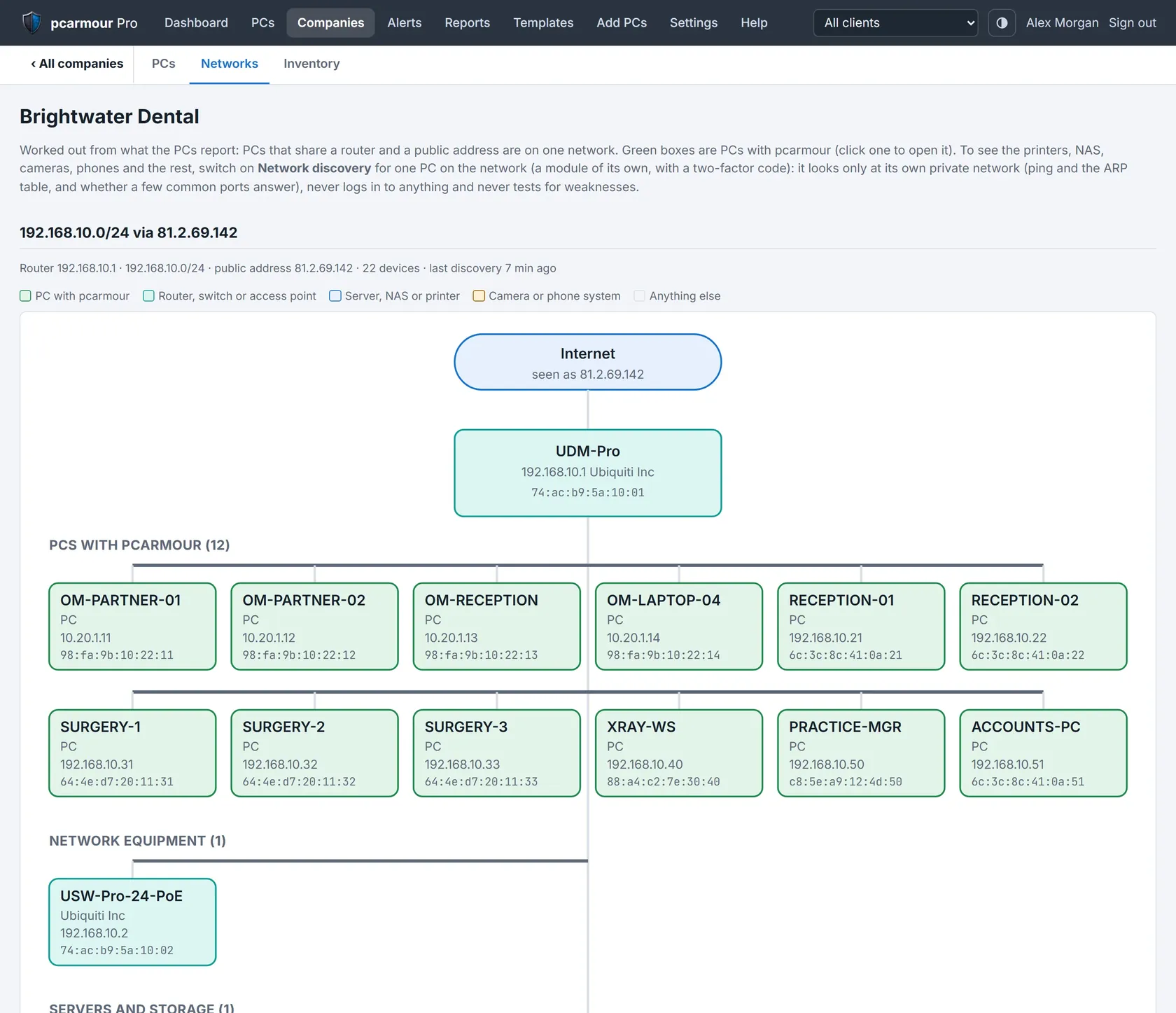
Point it at any subnet and within seconds you'll have a full map of every live device, every open port, and every dangerous misconfiguration on your network. Perfect for a rapid first-pass security check of homes, offices, or client sites.

  • Full LAN device discovery with vendor/OUI identification
  • Port scan with service fingerprinting & banner grabbing
  • Default & weak credential testing (50+ vendor defaults)
  • CVE-linked vulnerability findings on exposed services
  • HTTP/Digest login detection & credential pen-testing
  • Device type classification — cameras, NAS, VoIP, printers
  • NetBIOS name resolution & hostname discovery
  • WAN IP checked against VirusTotal, Shodan & AbuseIPDB
  • Shareable web report with unique scan ID
  • One-click AI analysis export for deeper review
Download Network Auditor

  Windows · Portable .zip · Run As Administrator

PCArmour
Guard

Lock down Windows. Make it stick. Flip a toggle in the tray and a background service holds that setting in place through reboots, cumulative updates and Windows' own "self-healing". Built for IT professionals and businesses whose machines need to stay exactly as configured.

  • Disable Windows Update, for good — policies, services, orchestrator, medic components and the scheduled tasks that re-trigger scans, plus no update-driven reboots
  • Sleep & wake control — finds what last woke the PC and removes the cause, then neutralises wake timers, maintenance wake, auto-restarts and Fast Startup
  • Keep screen on — no sleep, screensaver or display-off for dashboards, signage and monitoring stations
  • Block internet access — reversible firewall block with an allow-list that keeps the LAN working; licensing and time servers always get through
  • Classic right-click menu — the full Windows 10-style context menu back on Windows 11, instantly
  • Accurate time, hourly — sets and verifies the time server, forces a resync and keeps it right for logins, certificates and logs
  • Silent self-updates — signed releases installed in the background, with automatic rollback if anything goes wrong

  Windows 10 · 11 · Server 2016+ · x64 · Code-signed installer · No prerequisites

PCArmour Guard — OFFICE-KIOSK-01
PCArmour Guard
Service running · watchdog active
Block Windows Update
Sleep & wake control
Keep screen on
Block internet access
Classic right-click menu
Accurate time + hourly sync
Licence active · verified this week Last enforced 3 min ago

Illustrative sample — try the toggles

  Why ordinary fixes stop working

Registry edits, batch files and one-off scripts don't hold. Windows re-enables update services, repairs its own scheduled tasks and reverts settings during cumulative and feature updates. A one-shot change can't win — continuous enforcement can. Guard's watchdog re-applies every setting you've chosen roughly every ten minutes and again the moment the machine wakes.

How it works

Install
Run the signed installer as Administrator. The runtime is bundled, so it installs cleanly even on a bare Server 2016 box.
License the PC
Register a free licence with just an email address and sign in by magic link. Each PC gets its own licence key.
Choose your settings
Flip the toggles you need in the tray app. It's only the controls — the service, running as Local System, does the real work.
Guard enforces them
The watchdog re-asserts every setting on a timer and after every wake. Switch a feature off and Windows is cleanly restored.
Free of charge, per-PC licensing

At this time, PCArmour Guard is intended to remain free of charge. Register with just an email address — no passwords to manage. One licence key per PC means a single machine can be revoked cleanly.

Each machine checks in weekly. If one can't check in for 28 days it safely stands down until it can, so a lapsed or blocked PC never runs unlicensed. Licence traffic is encrypted and tamper-checked on top of HTTPS.

£0
Free of Charge
5
PCs per Account
1
Licence Key per PC
100%
Reversible

Network Auditor
Advanced

Arriving Oct 2026 — the Advanced edition goes deeper than the standard scanner. It combines everything in the standard tool with an extensive CVE database of 8,900+ signatures, deep protocol analysis, and comprehensive vulnerability assessment — the professional tool for thorough network security reviews.

8,900+
CVE Signatures
Checks every discovered service against thousands of known CVEs, flagging vulnerable software versions, unpatched firmware, and exploitable misconfigurations.
Deep CVE Matching
Service banners matched against 5,000+ vulnerability signatures including printer firmware, NAS exploits, VoIP flaws and more.
Device Fingerprinting
Advanced OS and device type detection using TCP stack analysis, HTTP headers, SNMP OIDs, and service correlation.
Protocol Deep-Dive
In-depth analysis of SMB, SNMP, RDP, SIP, FTP, and database services — checking for deprecated versions and dangerous configurations.
Detailed Remediation
Every finding includes a specific remediation recommendation, risk severity, and CVSS score where applicable.
WiFi Profile Audit
Extracts and analyses stored WiFi profiles, flags weak PSK security, and checks for rogue SSID risks.
Infrastructure Mapping
Identifies and classifies routers, switches, firewalls, cameras, VoIP systems, NAS, and IoT devices with confidence scoring.
Available Oct 2026

  Free · Windows · Portable .zip · Run As Administrator

Standard vs Advanced — Feature Comparison
Feature
STD
ADV
LAN Device Discovery
Port Scan & Service ID
Default Credential Testing
Shareable Web Report
CVE Vulnerability Matching
5,000+ CVE Signatures
Advanced Device Fingerprinting
Deep Protocol Analysis
WiFi Profile Security Audit
CVSS Score & Detailed Remediation
Pro tip: Use the standard Network Auditor for quick daily checks. Run the Advanced edition before client security reviews or when investigating a suspected incident.
Launching Oct 2026

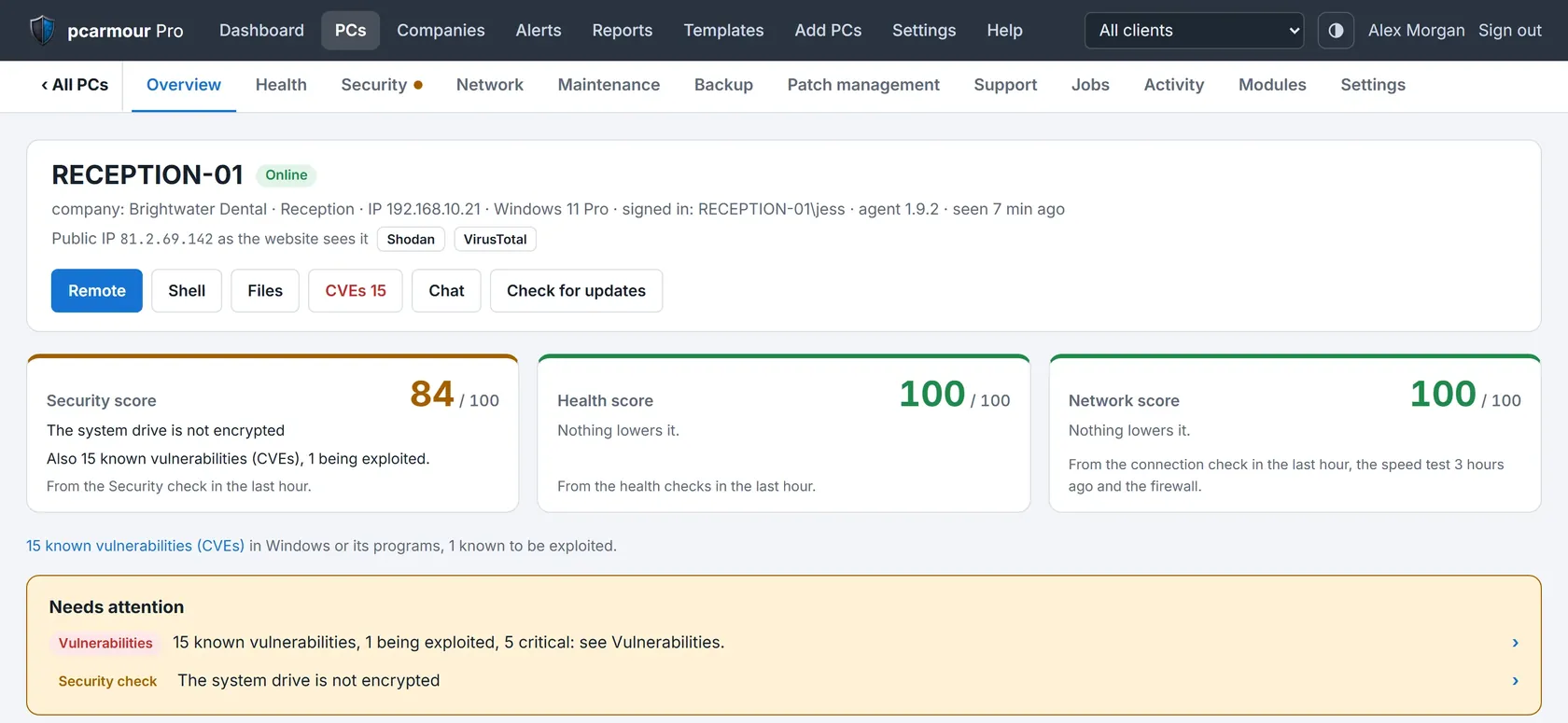
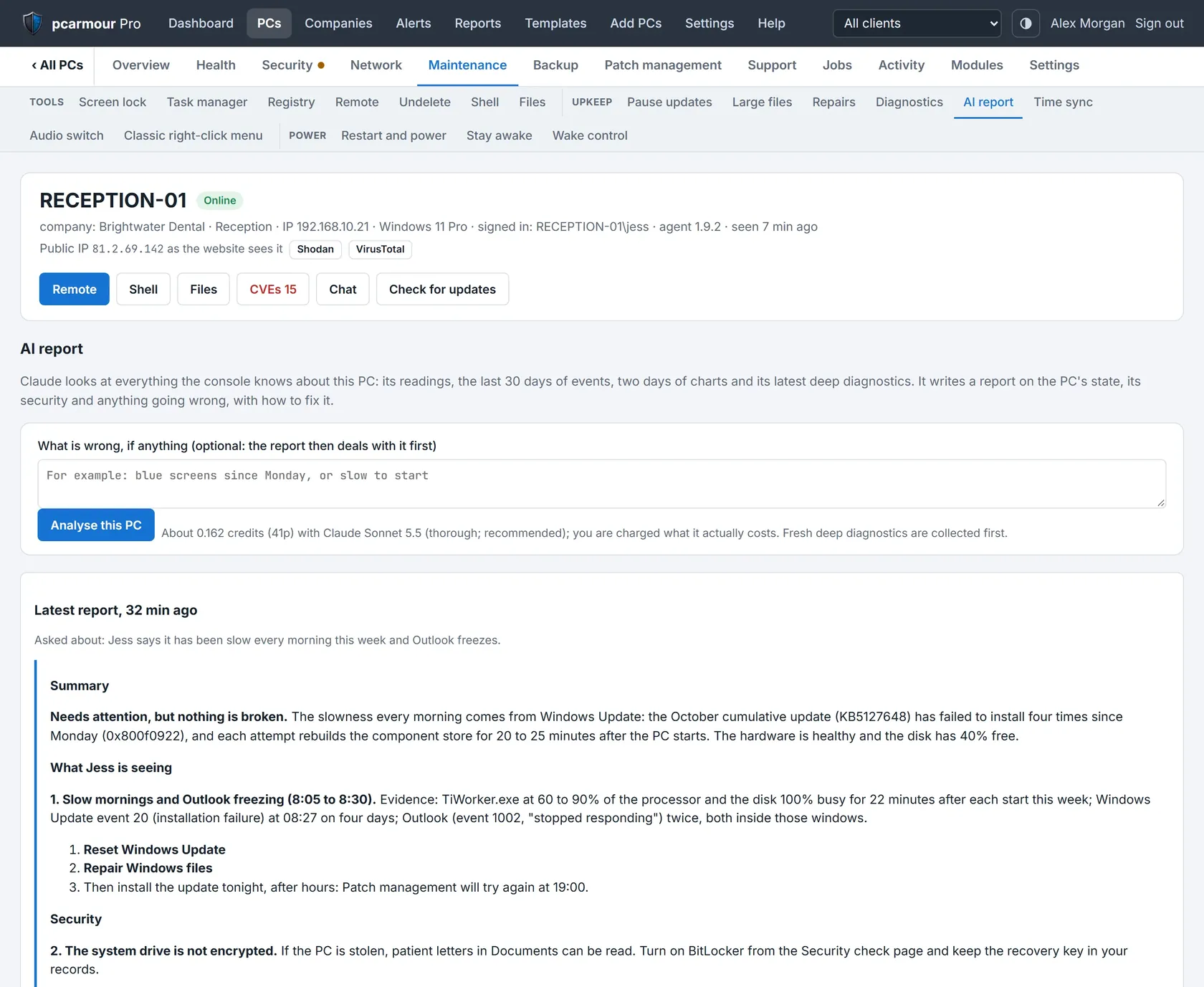
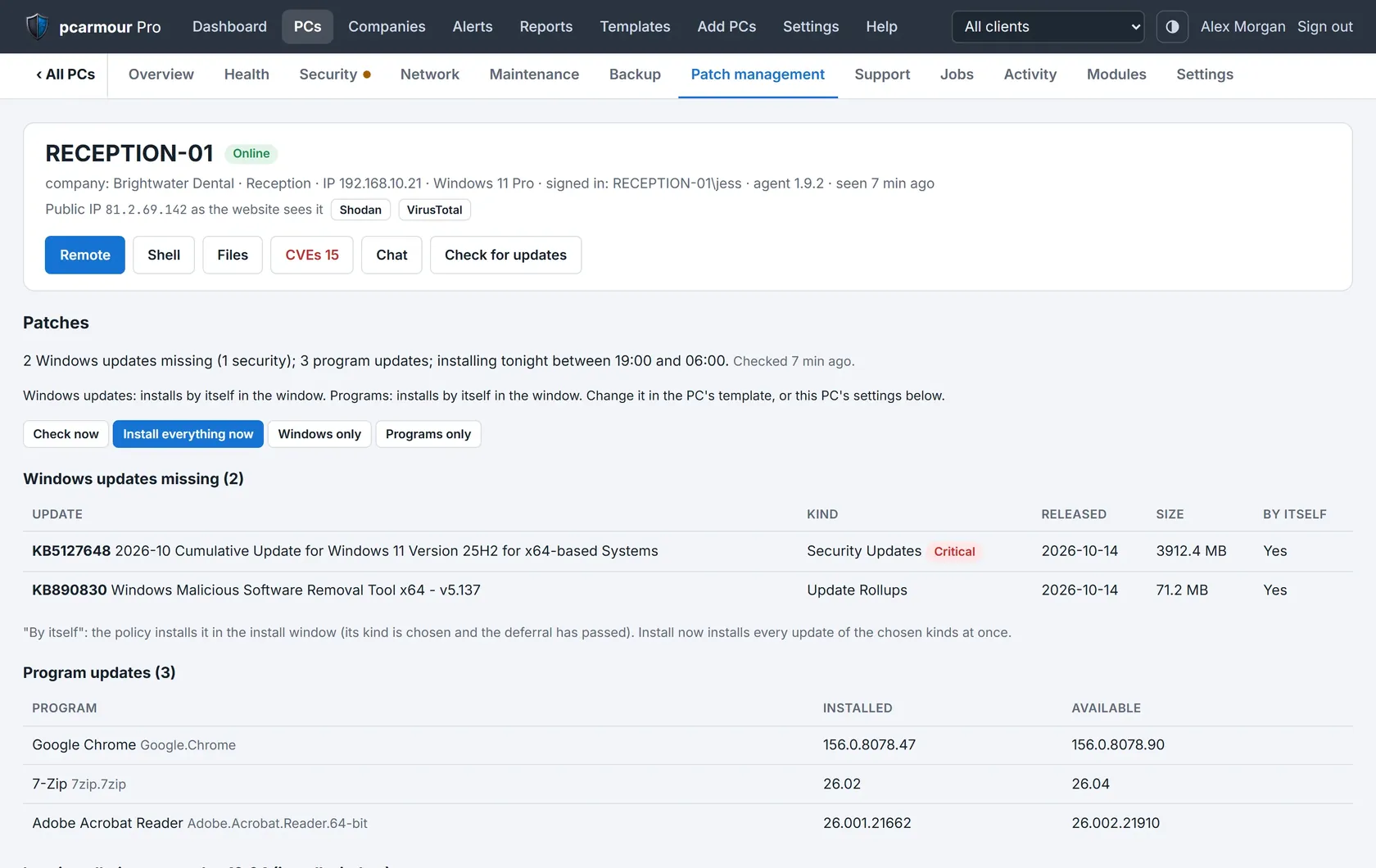
PC Armour Pro MSP

The complete managed service platform for IT professionals. Everything you need to monitor, secure, and manage your clients' entire Windows fleet — from a single web portal.

Remote Access & Control
Full remote desktop access to client machines. Integrated tools for diagnosis, configuration, and immediate remediation.
System & Health Diagnostics
Continuous monitoring of CPU, RAM, disk health, event logs, uptime and performance trends across all endpoints.
Network Security Scans
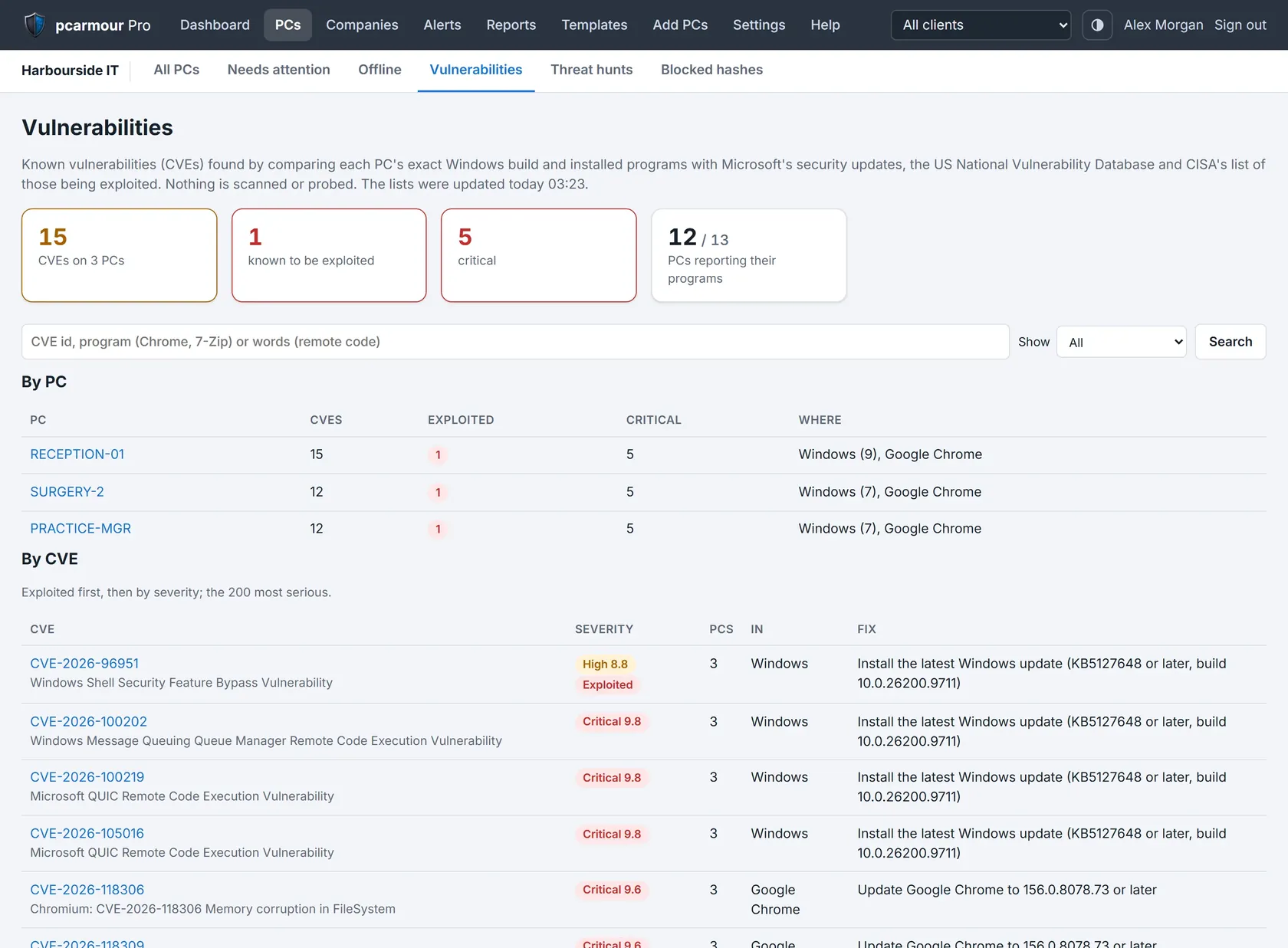
Centrally scheduled full network audits with automated CVE checks, rogue device alerts, and full reporting history.
Malware & Threat Monitoring
Real-time process monitoring, unsigned binary detection, and VirusTotal integration to catch active threats across your fleet.
Zero-Day Critical Alerts
Instant notifications when critical zero-day vulnerabilities are detected on managed endpoints — with guided remediation steps.
Network Protection Monitoring
Tests and scores firewall, DNS, and antivirus protection on all endpoints daily. Track your clients' security posture over time.
Application Blocking
Policy-based app control to block unauthorised software, restrict USB storage, and enforce security baselines remotely.
DNS Management
Centrally manage DNS settings across all devices. Push secure DNS resolvers and domain filtering policies from the portal.
Compliance Reporting
Generate branded security reports for clients. Track remediation over time, demonstrate value, and meet audit requirements.

  Developed by ITProExpert · Ravtic LLC  ·  Microsoft AI Cloud Partner  ·  DigiCert Code Signing Accredited

Privacy First

PC Armour does not sell or share your data. The only personal information ever required is an email address, for PCArmour Guard and Pro MSP accounts.

Code Signed & Certified

All PC Armour software is digitally signed with a DigiCert-accredited code signing certificate through Ravtic LLC, verifying its authenticity.

Secure Payments via Stripe

All paid plans are processed by Stripe Inc. We never store any financial data. The audit tools need no account, and PCArmour Guard is free with a simple registration.

Microsoft Cloud Partner

Developed by Ravtic LLC, a certified Microsoft AI Cloud Partner and Microsoft Development Partner, ensuring enterprise-grade quality.